
AEO First theme
Support for the AEO First theme
Questions, setup help or a small change to make the theme fit your brand: we help you get the most out of AEO First for as long as you use it. Every purchase includes 2 hours of customization.
Why we created the AEO First theme
More and more of the requests we receive are to optimize existing HubSpot themes for answer engines such as ChatGPT, Perplexity and Google’s AI Overviews. When modules and templates aren’t built and used with this in mind, retrofitting them is slow and costly.
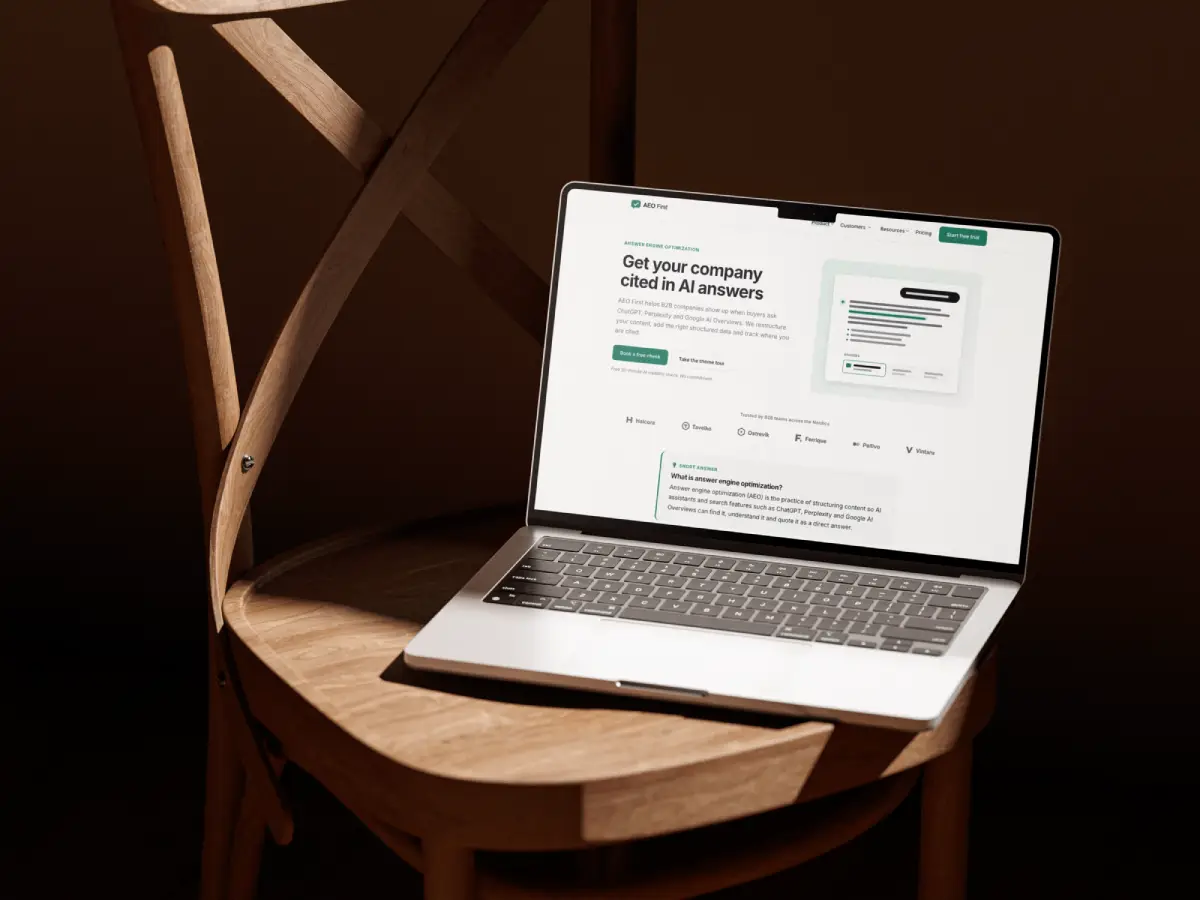
AEO First builds it in from the start: structured data, answer-first modules and well-structured templates. Our goal is simple: to make it easy for anyone to build a website that is optimized for both search engines and AI assistants.
What’s included
Email support for as long as you use the theme
Ask about setting up the theme, using its modules and templates, structured data, or HubSpot itself. Support doesn’t expire.
2 hours of customization
We make changes for you: customize a module within reason, add a style option, or adjust a template so it fits your brand. Use the hours within 12 months of purchase.
Replies within one business day
We answer Monday to Friday, and most questions get a reply the same day.
How to get help
Check the guide.
The getting started guide walks through installation, theme settings, pages, the blog and structured data.
Send us a message.
Email contact@adeptodigital.com or use the form below. Include the page URL and what you expected to happen.
Show us if it’s easier.
A screenshot or a short screen recording helps us understand the issue faster.
How do the 2 customization hours work?
We use them to customize the theme’s modules and templates for you, in blocks of 30 minutes, within 12 months of your purchase. AEO First is quick to set up with the getting started guide, so we recommend saving the hours for more technical requirements.
- Good uses: customizing how a module looks or works (within reason), adding a style option, adjusting a template’s layout, or matching your brand more closely.
- Not included: new modules, integrations or content work. We’re happy to quote these separately.
- To make any changes, we need temporary access to your HubSpot portal.
- Time is counted in 30-minute blocks, so it helps to send several small requests together.
- We confirm the estimate before starting, and tell you how much time is left after each request.
- Need more than 2 hours? Extra time is 89 € per hour, and packs of several hours bring the hourly price down. Ask us for a quote.
What’s covered
Included in support
- Installing and setting up the theme
- Theme settings: colors, fonts, buttons, forms, header and footer
- Using the modules and templates
- Module customizations, within reason, using your 2 hours
- Site and service structured data, and checking it in Google’s tools
- The blog templates and settings
- Bugs or anything in the theme that doesn’t work as described
Not included (but we can quote it)
- New modules or features
- Integrations or third-party tools
- Writing or migrating content
- Changes to a child theme you’ve edited yourself
Support FAQ
How fast do you reply?
Within one business day, Monday to Friday. Most questions get a reply the same day.
Does support expire?
No. Email support is included for as long as you use the theme. The 2 customization hours are available for 12 months after purchase.
Do I need to give you access to my HubSpot account?
Not for questions: a URL, a screenshot or a screen recording is usually enough. To make any changes for you, we do need temporary access to your HubSpot portal. Add us as a user, and remove the access once we’re done.
Will customizations be lost when the theme updates?
Changes we make are done in a child theme or in a way that survives theme updates. We tell you which, before we start.
Can you help with HubSpot questions that aren’t about the theme?
Within reason, yes. For larger HubSpot work, we’re a HubSpot partner agency and happy to help as a project.
What languages do you support?
English, Finnish, Swedish and Spanish.
Contact support
Tell us what you need help with, and include the page URL if it’s about a specific page.
Thanks! We will get back to you within one business day.
New to AEO First?
Start with the getting started guide: it takes you from installation to your first published page.